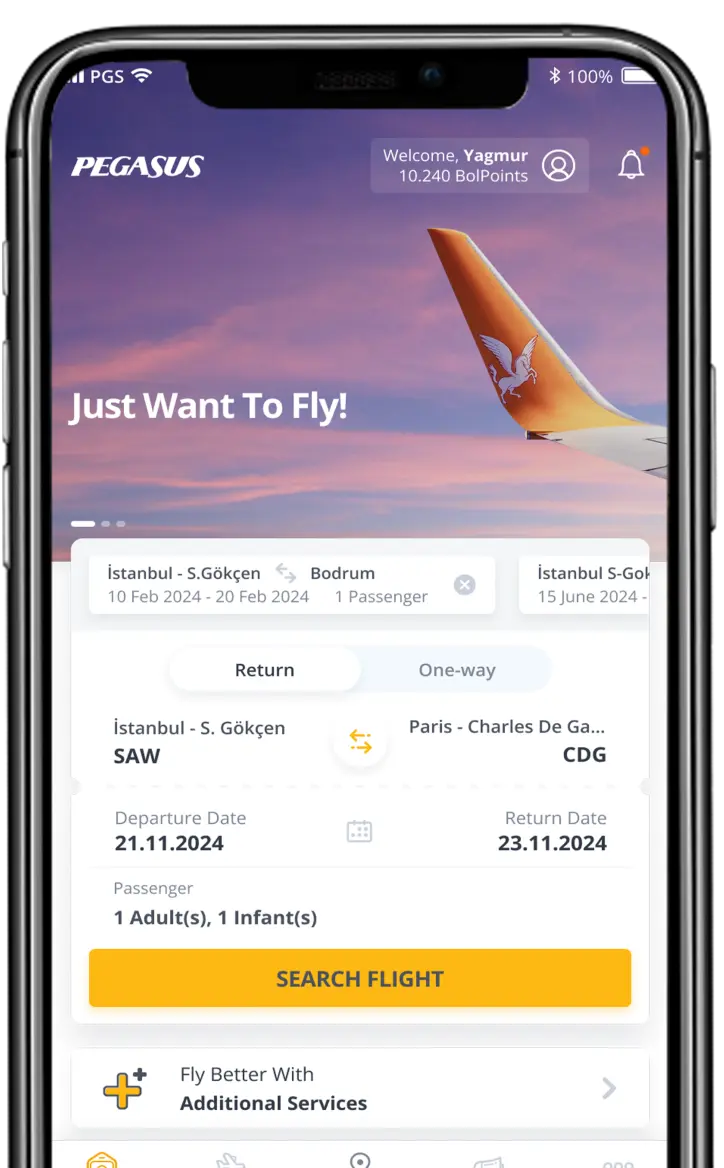
You can purchase your tickets from the Ticket Sales tab on the left-hand side of the www.flypgs.com homepage, or you can use your mobile/tablet and our iOS or Android apps and a Visa/Mastercard credit card. You can also call our call center on 0090 850 250 67 77 to purchase your ticket.
I want to purchase a ticket, but I want to change the payment currency. How can I do this?
Tick the "Change Currency Box" to the right of the "Checkout Basket", select the desired currency, and complete your ticket purchase.
How can I change a ticket I have already purchased?
Customers who purchased their ticket from flypgs.com or mobile channels can easily access their flight details and make changes on the website by entering their reservation number (PNR) and surname in the "My Ticket Transactions" section on the homepage of the website. Customers who purchased their tickets from the call centre or an agent need to contact our call centre on 0090 850 250 67 77 in order to make any changes. For rules on changing your ticket, we recommend you read the section entitled "Reservation Changes and Ticket Cancellation" in the general rules section.
How can I cancel all or one of my flights?
Customers who purchased their ticket from flypgs.com can access their flight details on the website by entering their reservation number (PNR) and surname in the "My Ticket Transactions" section on the homepage and cancel some or all of their flights. For details about cancellation rules, we recommend you read the general rules section.
Can I add additional services to my ticket?
Passengers who have purchased tickets can also enter their reservation number (PNR) and surname in the "My Flight Services" section under the "My Flight Services" on the flypgs.com home page to select the desired additional services.
Where can I view my electronic ticket?
If you wish, you can view your tickets by entering your reservation number (PNR) and surname in the Manage My Booking area of the flypgs.com homepage and print out a copy.
Can I change the name on a ticket?
It is not possible to change the name on tickets which have been reserved or purchased.
How can I change the contact details matched to a ticked I have purchased?
Customers who purchased their ticket from flypgs.com or mobile channels can easily access their flight details and make changes to the contact details entered when purchasing a ticket by entering their reservation number (PNR) and surname in the "My Ticket Transactions" section on the homepage of the website.
My flight has been cancelled or the scheduled flight time has been changed. What should I do?
If your flight has been cancelled or the scheduled flight time has been changed, you can call our call centre on 0850 250 67 77 for ticket transaction support. Only assistance to do with cancelled flights and changed departure times can be provided on this number.
My journey has been cancelled due to adverse weather conditions. I want to change to another flight. What should I do?
If your flight is cancelled due to adverse weather, you can book another Pegasus Airlines flight on the same route free of charge as long as you do so within 3 days of the cancelled flight. Your new flight must take place no more than 14 days after the cancelled flight. For any requests made outside of the specified restrictions, the only option available will be a deduction-free ticket refund.