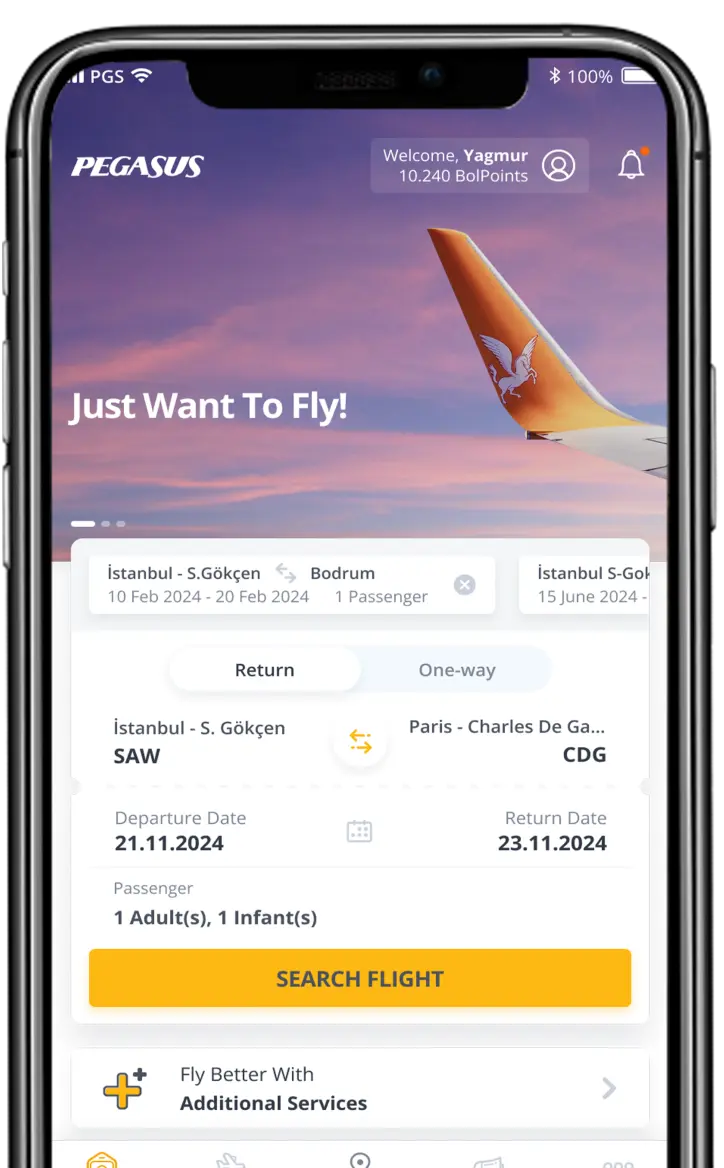
Member of Pegasus BolBol since {0}.
{0} BolPoints will expire on {1}.
Earn BolPoints by flying and spend them as you wish!
Member of Pegasus BolBol since {0}.
{0} BolPoints will expire on {1}.
Travel Glossary

PNR is the most important code while buying a flight ticket. You can find answers to what PNR is, how to use it and how to obtain it, on this page.
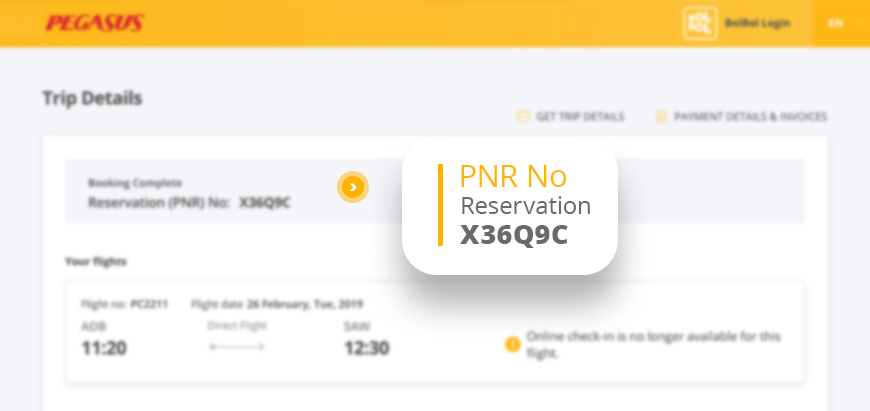
PNR, PNR number, or PNR code is an electronic detail consisting of numbers and letters given after booking a flight. PNR is the abbreviation of “Passenger Name Record” and it is also used as a booking number on the sectoral basis.
PNR is the abbreviation of Passenger Name Record and it is a digital certificate allowing passengers to do online check-in or manage their bookings in a short time. Also used as booking number, Passenger Name Record is a code with 6 alphanumeric characters (letters and numbers are used together). This code allows passengers to manage their bookings such as reprinting a lost flight ticket or printing the ticket at the airport. For this reason, passengers are required to keep this code after purchasing the flight ticket. Passengers can buy additional baggage, change their contact details or purchase additional services on Manage My Booking section.
After purchasing your ticket through the internet, PNR code including your personal details about your flight is sent to you through email or SMS. To learn your PNR code, please keep that SMS or check the relevant section of the digital file sent via email. It is of great significance for passengers purchasing their tickets online to give their phone numbers and emails correct. It is advised to always double-check these contact details while purchasing a flight ticket.
Passengers can find their PNR code on email or SMS including their flight details. PNR is required for online check-in and it is the fastest way to reach flight details. Online check-in shortens the amount of time spent at the airport and helps passengers to have a comfy flight experience.
PNR code can be found as “booking” detail below the midsection of your digital travel document or right bottom of your mobile boarding pass.